

Getting started
After installing SignOff from the Atlassian Marketplace, the Signatures panel appears on Jira issues and the settings page is available under Jira Settings > Marketplace apps > SignOff.
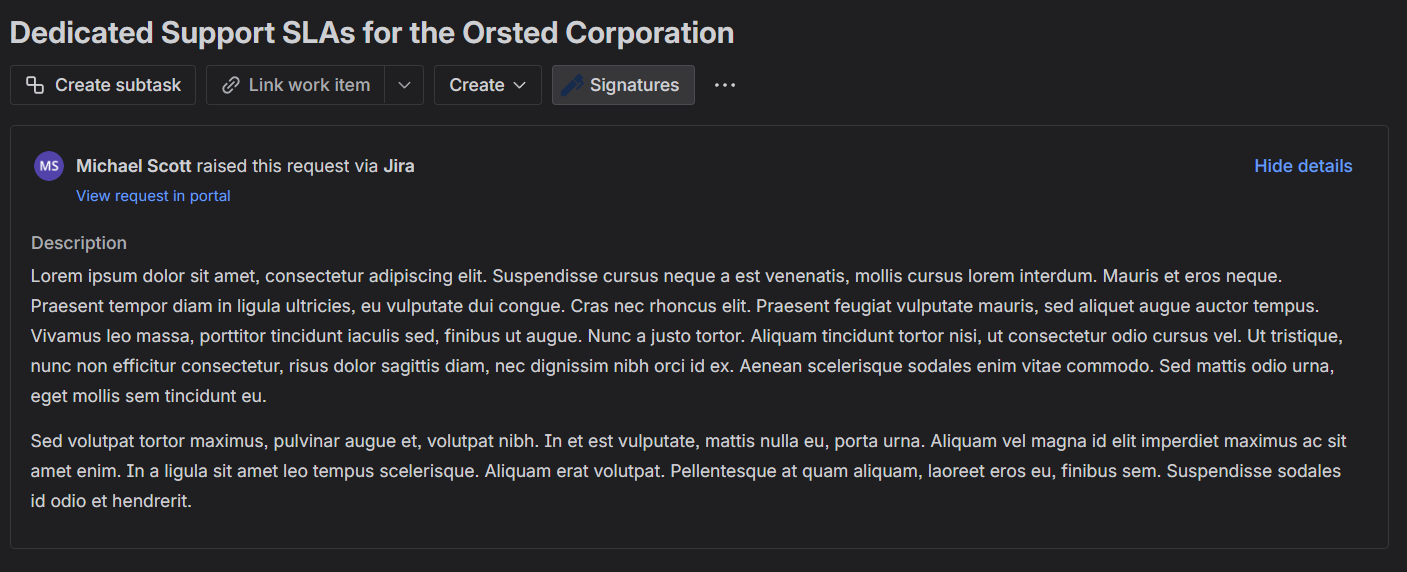
For JSM projects, the app also appears on the customer portal request detail view and as a signing action for portal users.
No additional configuration is required to start collecting signatures. By default the panel is enabled on all projects and any authenticated user can sign.
How it works
- Open the issue you want to sign.
- Click the Signatures button in the issue toolbar to open the signatures panel.
- Click Sign to open the signature canvas and draw or type your signature.
- Your signature is recorded on the issue with a tamper-evident hash.
- Export a PDF containing all signatures, issue details, and an optional audit trail.
SignOff integrates with Jira workflows, Jira Automation, and the JSM customer portal to support enterprise signing use cases including 21 CFR Part 11 compliance.