
Requests & groups
Click Manage in the panel header to open the request and group management tabs.
Requesting signatures
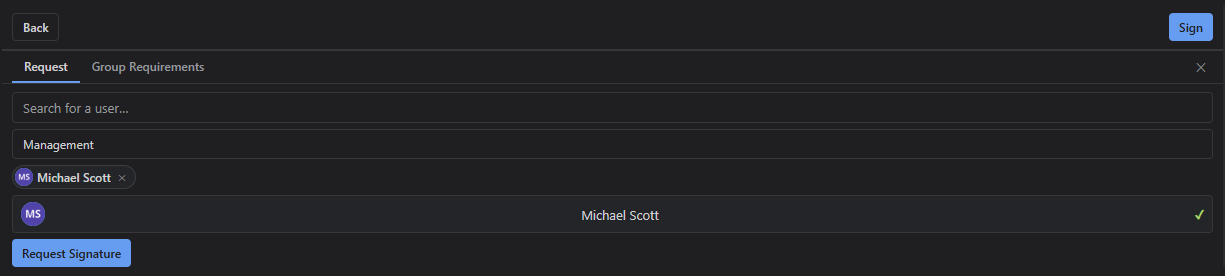
The Request tab lets you search for Jira users and request their signature. Each request can optionally be assigned to a signature group. The requested user is notified via an issue comment mentioning their account.
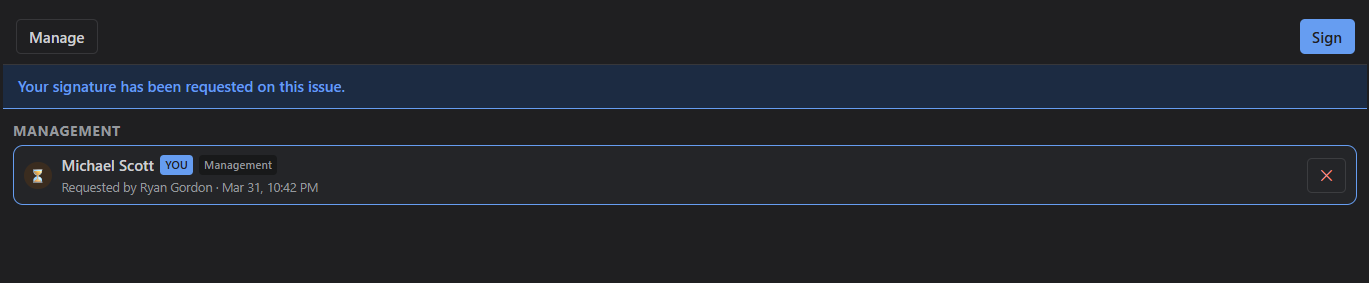
Pending requests appear in the panel showing who has been asked to sign and whether they have completed their signature.
Signature groups
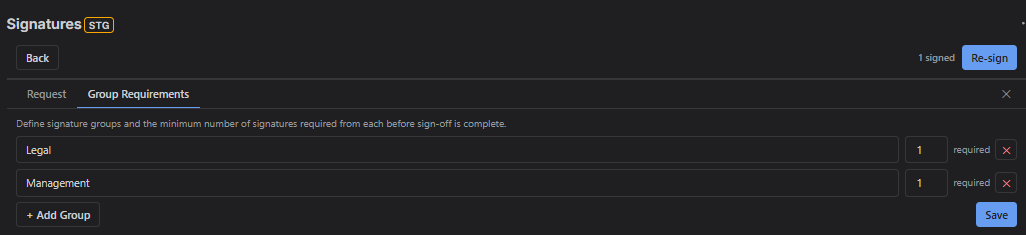
The Groups tab lets you define named groups with a required signature count. For example, you might create an "Engineering" group requiring 2 signatures and a "Legal" group requiring 1. Group chips appear in the panel showing progress (e.g. 1/2).
Groups and requests can also be configured via workflow post-functions and Jira Automation actions.